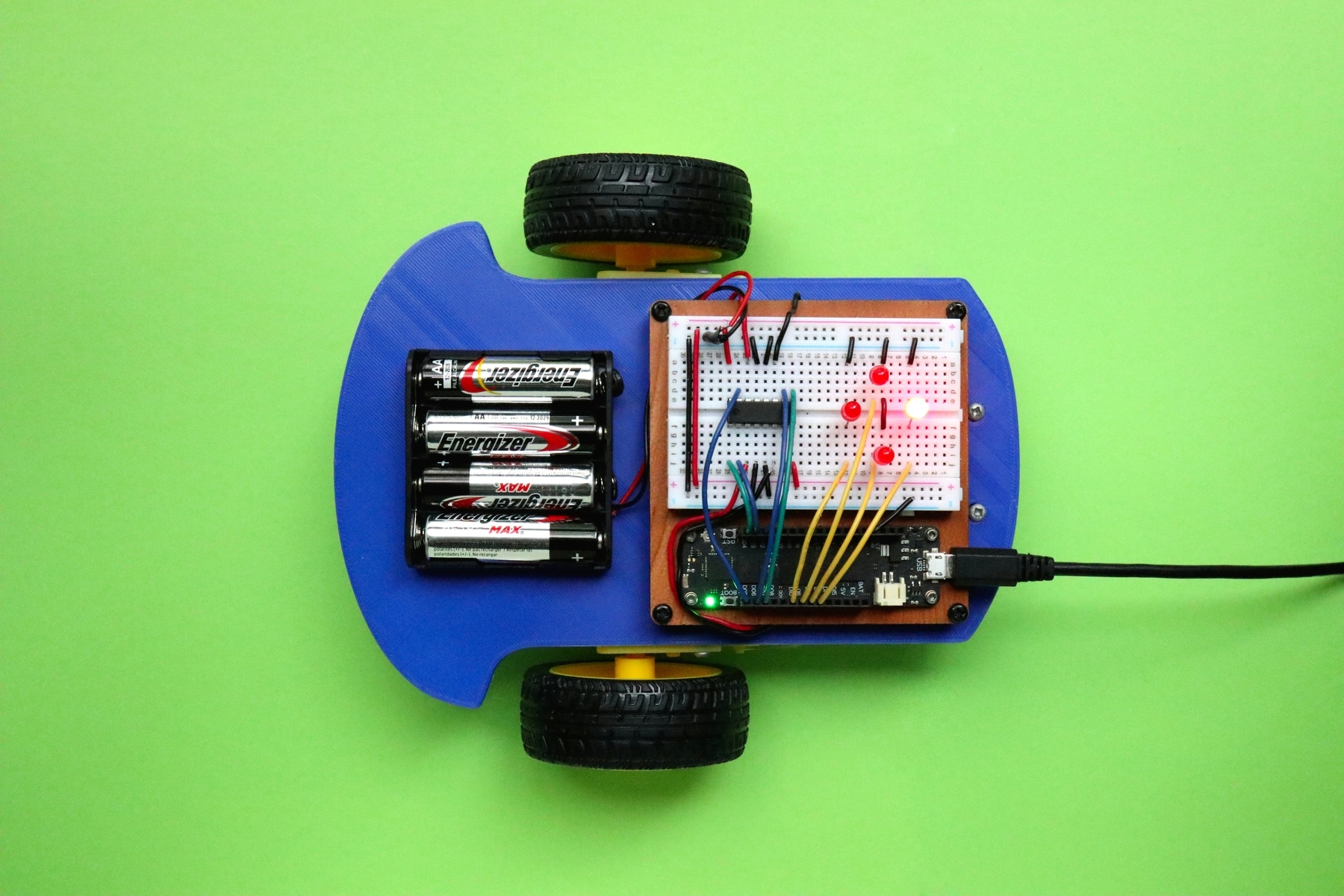
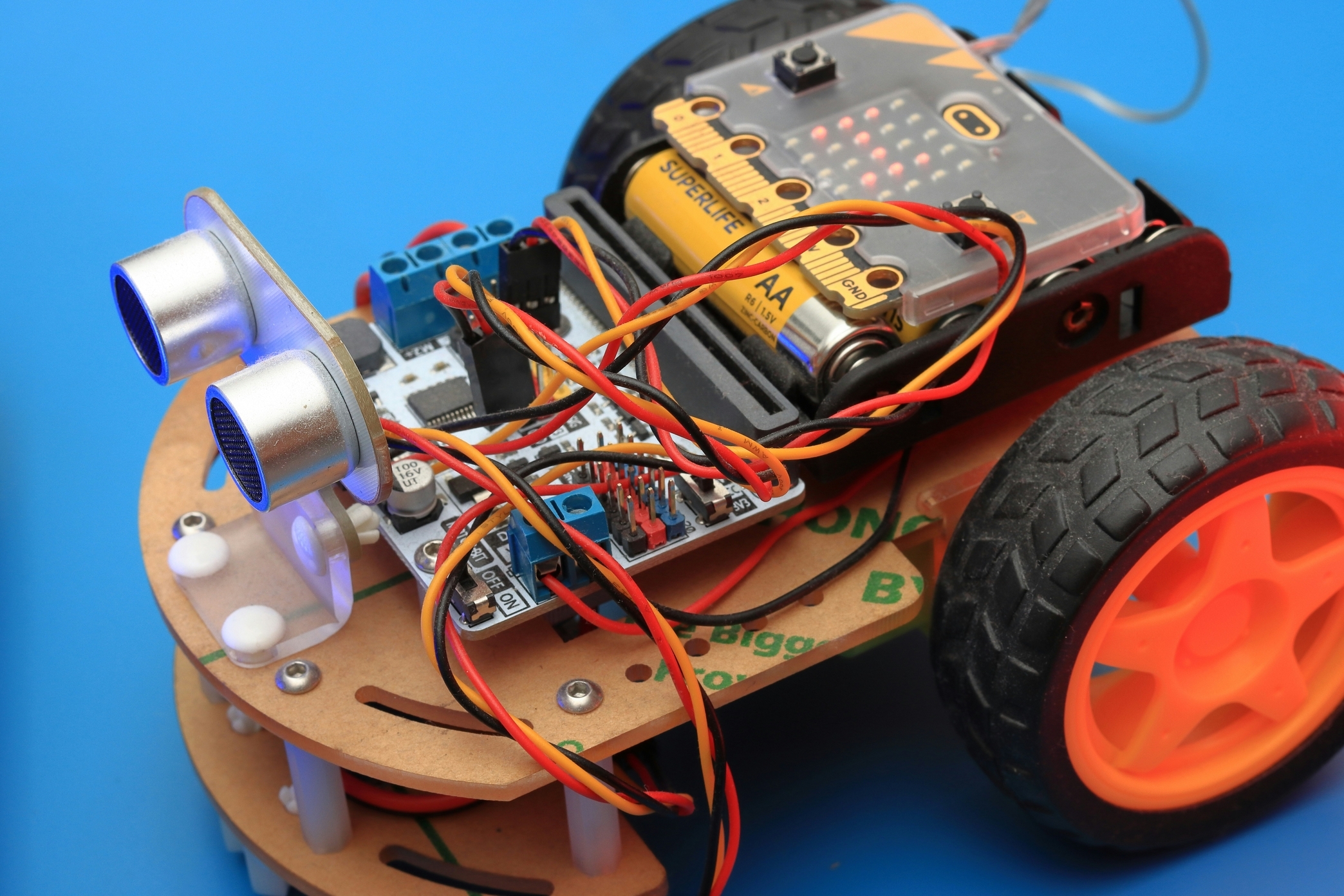
Controlling Motors & Servos with Arduino (Beginner’s Guide + Example Code) Introduction Blinking LEDs and reading sensors is fun… but nothing says “I’m really building robots” like controlling motors with Arduino. 💡 In this guide you’ll learn how to control: ⚡ DC motors (for fans, wheels) 🎚 Servo motors (for precise angles like robot arms) 🔄 Stepper motors (for exact step movements like 3D printers) We’ll go through wiring basics and ready‑to‑use Arduino code for each. Controlling a DC Motor with Arduino A DC motor spins continuously when powered. Arduino itself can’t handle the high current, so we use a transistor or motor driver (L293D / L298N). Wiring (transistor method): Motor + external 5–9V supply NPN transistor as a switch (TIP120 or 2N2222) Motor + diode for back‑EMF protection Arduino pin 9 → transistor base Code (DC Motor On/Off): C++ int motorPin = 9; void setup() { pinMode(motorPin, OUTPUT); } void loop() { digitalWrite(motorPin, HIGH); // Motor ON delay(2000); digitalWrite(motorPin, LOW); // Motor OFF delay(2000); } ⚡ Motor spins 2s, stops 2s, repeats. Code (DC Motor Speed Control with PWM): C++ int motorPin = 9; // PWM pin void setup() { pinMode(motorPin, OUTPUT); } void loop() { for (int speed = 0; speed <= 255; speed += 5) { analogWrite(motorPin, speed); // Increase speed delay(50); } for (int speed = 255; speed >= 0; speed -= 5) { analogWrite(motorPin, speed); // Decrease speed delay(50); } } 💡 Motor gradually speeds up, then slows down. Controlling a Stepper Motor with Arduino A stepper motor moves in exact steps (e.g., 200 steps per revolution). Great for 3D printers, CNC machines, precision robots. We use ULN2003 or A4988 drivers. Wiring: Stepper → ULN2003 board → Arduino pins 8, 9, 10, 11. Code (Stepper Sweep): C++ #include <Stepper.h> const int stepsPerRevolution = 200; // Motor depends, check datasheet Stepper myStepper(stepsPerRevolution, 8, 9, 10, 11); void setup() { myStepper.setSpeed(60); // 60 RPM } void loop() { myStepper.step(stepsPerRevolution); // One revolution delay(1000); myStepper.step(-stepsPerRevolution); // Backwards delay(1000); } 🔄 Motor turns one full revolution clockwise, pauses, then counterclockwise. FAQs Q: Can I power a motor directly from Arduino pins? A: No! Use a transistor or motor driver (like L293D or L298N). Q: Why is my servo motor vibrating instead of moving? A: Not enough stable power—use a 5V regulator or external supply. Q: Can Arduino control multiple motors? A: Yes! Use multi‑channel motor drivers or multiple PWM pins. Ideas for Projects with Motors Smart fan (DC motor + temperature sensor). Robotic arm (servo motors). Line follower robot (DC motors + motor driver). 3D printer + CNC basics (stepper motors). Conclusion With DC, Servo, and Stepper motors, Arduino projects level up from blinking lights to real, moving robots. DC = simple spin & speed Servo = precise angles Stepper = exact steps/revolutions Once you combine sensors + motors: welcome to the world of actual robotics.